IDE Fundamentals
Students need to know how to use their IDE once they’ve set it up.
Dependencies
Students need to have these skills before learning this skill:
Goal
When you teach this skill, your goal is to make sure that a student can do the following:
- Open the IDE.
- Create a new file.
- Save a file.
- Run a file.
Instructions for specific IDEs
IDLE
If you’re teaching a class using IDLE, then here’s what you need to show students how to do:
Open the IDE
-
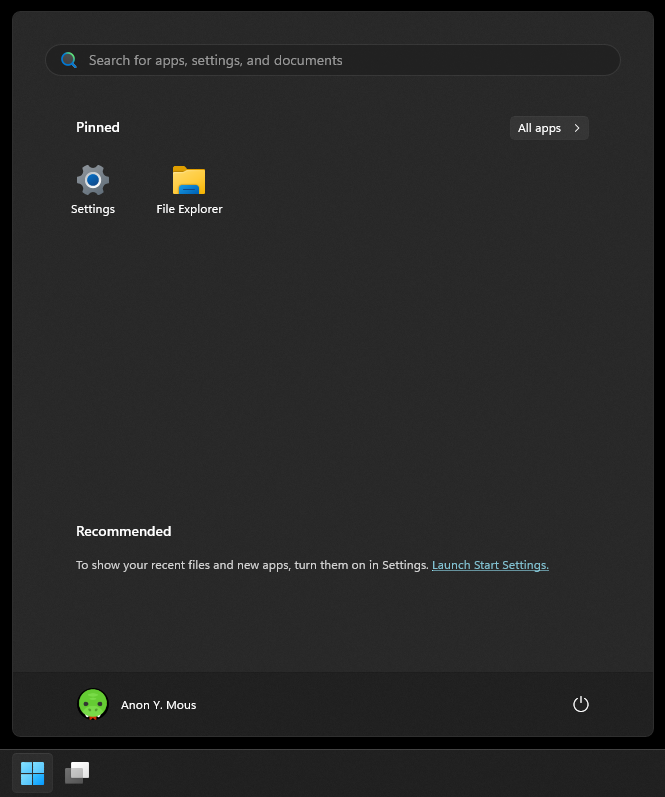
Find the Start button.

-
Click on the Start button to open the Start menu.
-
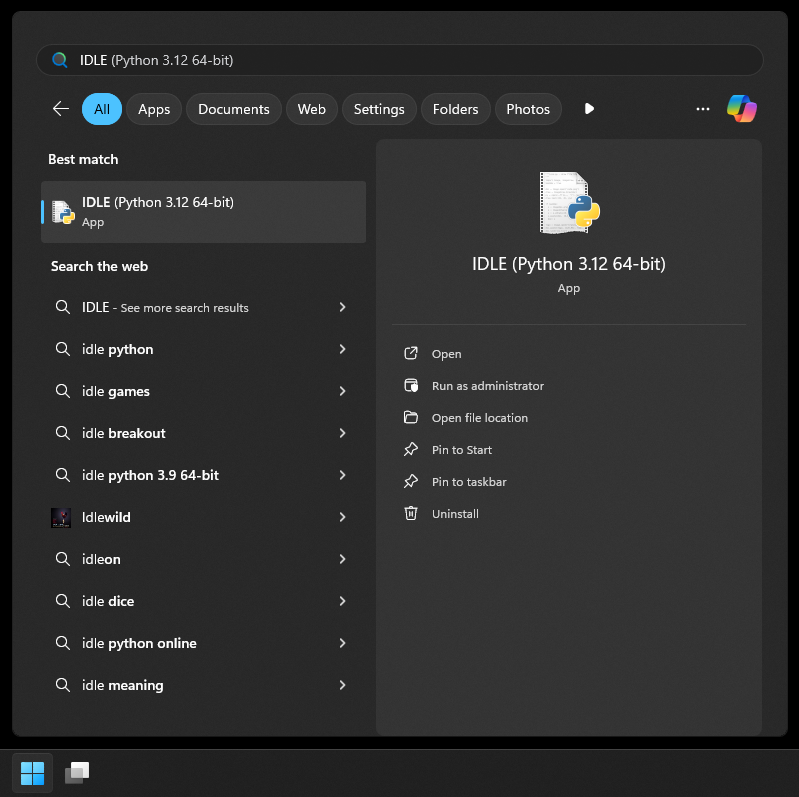
If you see IDLE, then click on it. Otherwise, start typing “IDLE” into the search bar.
-
Once IDLE appears in the search results, click on it.
Create a new file
-
In IDLE, click the “File” button.

-
Click “New File”.

Save a file
-
In IDLE, click the “File” button.
-
Click “Save”.

Run a file
-
In IDLE, click the “Run” button.

-
Click “Run Module”.
